Key takeaways
- Multi-property architecture separates each city/site as a property with its fleet, pricing and schedules — under a single master panel.
- Per-user roles (master, city manager, support) limit what each team member sees and can touch.
- Analytics are viewed unified (whole network) or per property, with the same comparable KPIs across cities.
- For franchises: the franchisor keeps the global view and branding; each franchisee operates their city with access limited to their property.
- Adding a new city is configuration (property + geofences + pricing), not an IT project: the marginal software cost is €8/vehicle.
Direct answer: managing multiple fleets and cities without multiplying the management team requires a multi-property architecture: each city or site is a property with its fleet, pricing, geofences and schedules, governed from a single master panel with per-user roles and permissions and unified analytics. It's the same multi-hotel architecture as Fleet OS, applied to multi-city operators and franchises.
The scaling problem: the "one panel per city" trap
Operators who grow with separate per-city instances end up with:
- N logins, N configurations, N invoices — and zero overview.
- Incomparable KPIs across cities (each instance measures its own way).
- Pricing or legal-text changes repeated N times, with errors.
- A support team needing different credentials for every city.
The alternative is structural, not cosmetic: one platform, many properties.
The multi-property architecture, explained
Properties
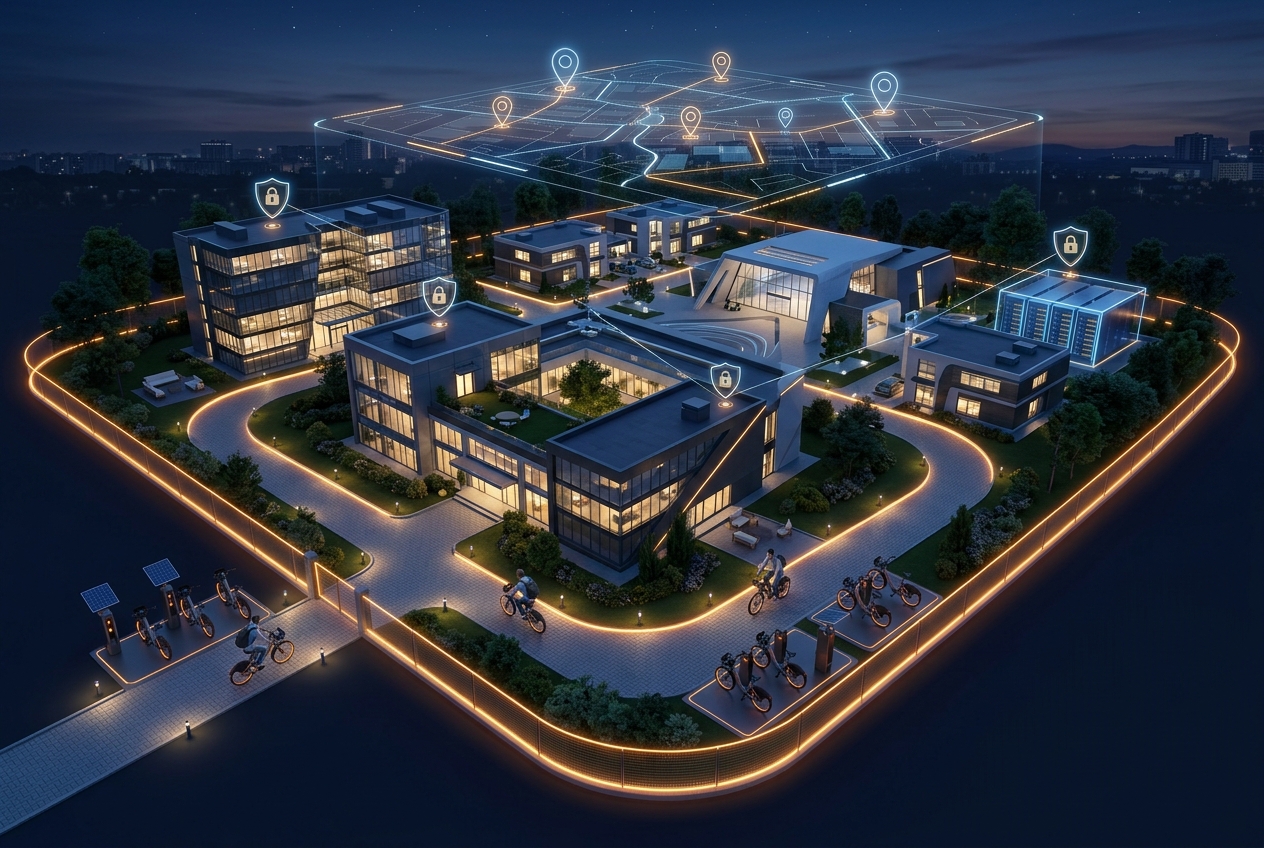
Each city, hotel or franchise is a property with independent configuration: fleet, pricing, geofences, service hours and languages. What's common (brand, framework terms, payment integration) is defined once.
Per-user roles and permissions
| Role | Scope | Can do |
|---|---|---|
| Master | Whole network | Global configuration, pricing, new properties, comparisons |
| City manager | Their property | Fleet, batteries, incidents, manual rentals, local statistics |
| Support | Assigned properties | View rentals, open/close locks, resolve incidents — no configuration access |
Every action is tied to the user who performed it: full traceability for internal audits.
Unified analytics
The panel answers in one view the questions that used to require consolidating spreadsheets:
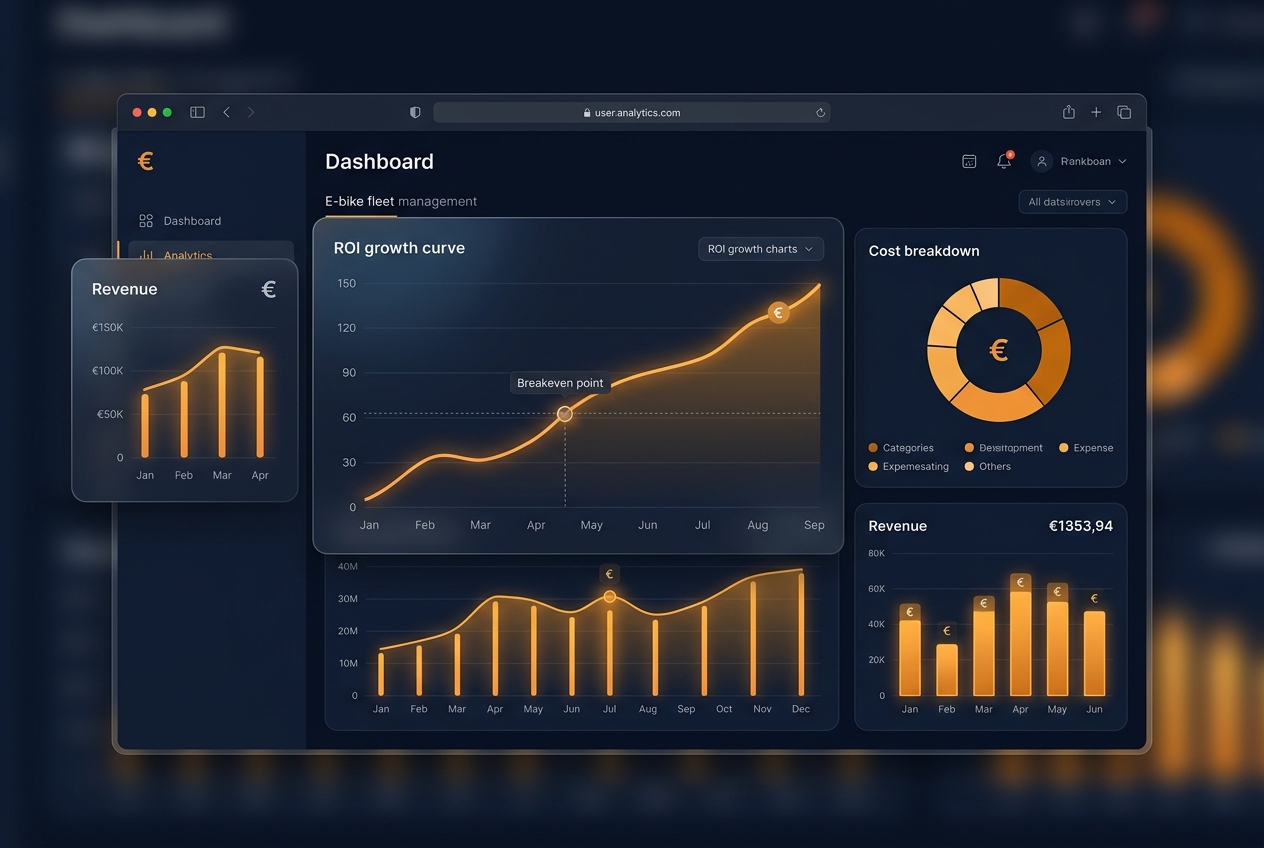
- Network view: revenue, rentals and operational fleet across the total, with monthly trend.
- Cross-property comparison: the same KPIs (rentals/bike/day, % fleet operational, revenue/vehicle) measured identically in every city.
- Drill-down: from the network figure to one specific bike in two clicks.
Use case: a bike-sharing franchise
The model that benefits most from this architecture:
- The franchisor defines brand, standards and framework pricing in the master panel, and sees the whole network's performance in real time.
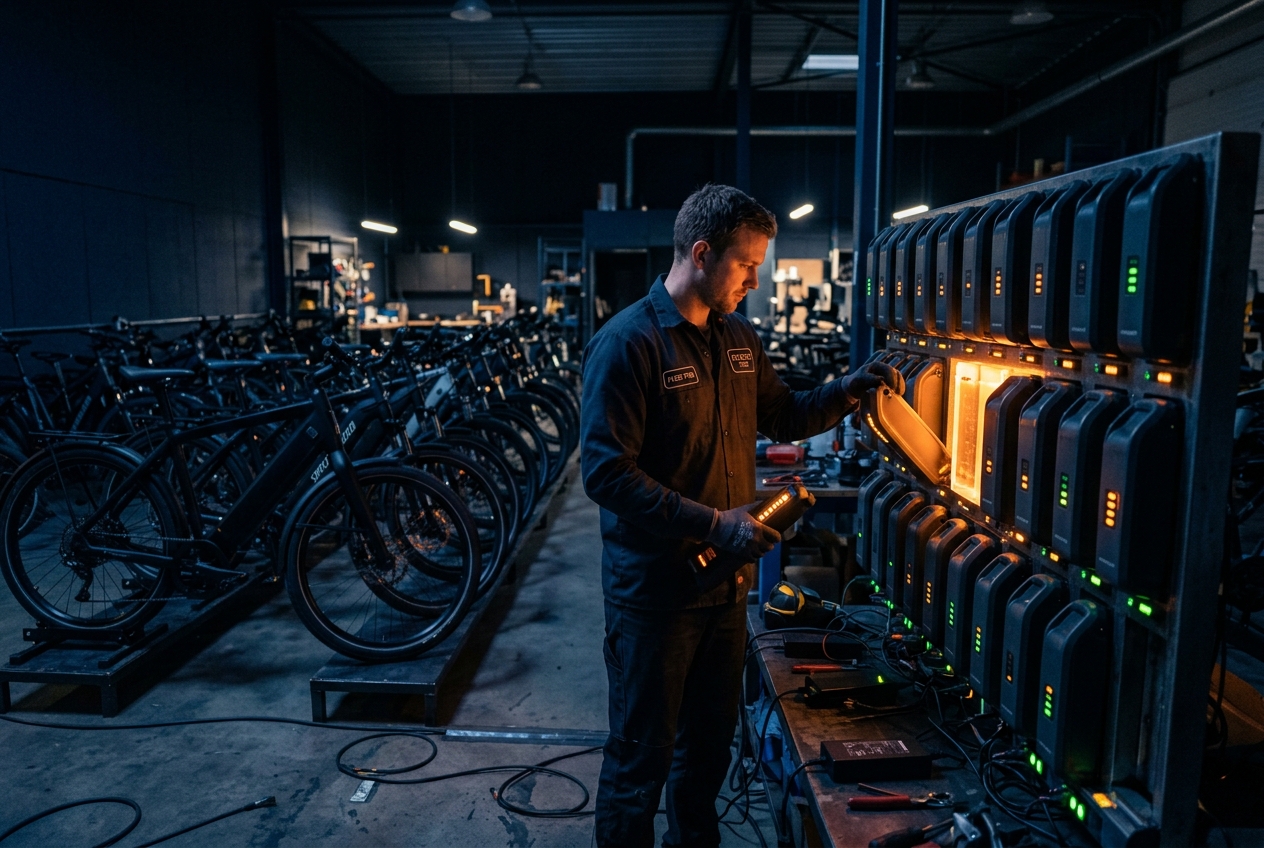
- Each franchisee operates their city with access limited to their property: their fleet, their batteries, their rentals.
- Central support (in-house or the dedicated support add-on) serves the whole network with a single multi-property login.
- Network data identifies which franchises underperform and which best practices to replicate.
The same pattern applies to hotel chains with guest bikes (hotel case here) and corporations with several campuses (corporate case here).
What scaling costs (spoiler: almost no software)
With Fleet OS's flat pricing — €300/month base + €8/vehicle with no minimums or tiers — adding a 40-bike city costs €320/month more in software. The full cost structure and per-city payback are broken down in the fleet ROI analysis.
Checklist for multi-city operators
- One login with network view and per-city drill-down?
- Roles limiting the scope of local managers and support?
- Identical, comparable KPIs across properties?
- New city onboarding in days, with no extra licence cost?
- Per-user action traceability for audit?
Conclusion
Scaling to multi-city is a software architecture problem, not a hire-more-managers problem. With properties, roles and unified analytics, the same team that runs one city can govern five. If you're sizing the jump, start with the 2026 SaaS platform comparison and validate the numbers with the Fleet OS calculator.
Frequently asked questions
Can I give a local manager access without them seeing other cities?
Yes. Each panel user has a role and a scope: a city manager only sees the fleet, rentals and statistics of their property. Master access reserves the global view, pricing configuration and cross-city comparison.
How does the model work for franchises?
The franchisor runs the master panel: branding, framework pricing, network analytics and quality control. Each franchisee gets access to their property for daily operations (fleet, batteries, incidents, manual rentals). SaaS billing can be centralised or passed through per property.
Which KPIs should be compared across cities?
The three structural ones: rentals per bike per day, % of fleet operational and revenue per vehicle per month. Measured identically across properties, the panel immediately shows which city underperforms and why (idle fleet, low utilisation or low ticket).
How much does adding a new city cost?
With Fleet OS there's no extra licence cost per property: you pay the same €8/vehicle/month on the total fleet. Adding the city means creating the property, drawing its geofences and configuring pricing and schedules — operational in days, not months.
FLEET OS
Calculate your fleet's ROI with a personalised demo
Use the interactive Fleet OS calculator to estimate your monthly fee and request a demo with your operation's real numbers. Reply within 24 business hours.
Calculate my ROI with Fleet OS