Key takeaways
- Corporate email-domain access (@yourcompany.com) guarantees only employees see and use the fleet — no manual lists.
- Geofences delimit the campus: bikes only operate and return inside the defined perimeter, with alerts if they leave.
- Automatic service hours deactivate the fleet outside working hours (or open it 24/7 as a benefit).
- GDPR compliance by design: minimal data (email, phone), processing as data processor and no exposure to the general public.
- Full deployment takes 4 weeks with an initial fleet of 10–30 e-bikes, with no apps to install.
Direct answer: a shared bike system on a private campus differs from public sharing in its control layer: registration restricted by corporate email domain, geofences delimiting the operating perimeter, automatic service hours and GDPR-aligned data processing. With corporate mobility software like Fleet OS, full deployment takes 4 weeks.
The control architecture, layer by layer
Layer 1 — Identity: domain-based access
Registration only accepts emails from the authorised corporate domain (@yourcompany.com). Practical consequences:
- The fleet doesn't exist for the public: it appears on no maps or search engines.
- Automatic onboarding/offboarding in sync with HR: if the email is deactivated, access dies with it.
- Groups and permissions per site or department under the same panel.
Layer 2 — Territory: campus geofencing
The geofence defines where the bikes live:
- Operating perimeter: use and return only inside the campus, HQ or business park.
- Exit alerts: if a bike crosses the boundary, the panel warns with real-time GPS position.
- Return zones: specific parking points verified by GPS when closing the rental.
Layer 3 — Time: service hours
- Work mode: the fleet deactivates automatically outside the defined schedule.
- 24/7 benefit mode: free use including weekends, as an employer-branding perk.
- Switching modes is a setting, not a project.
Layer 4 — Data: GDPR by design
Compliance decision-makers always ask the same questions; here are the short answers:
| Requirement | How it's addressed |
|---|---|
| Data minimisation | Only corporate email, phone and usage telemetry |
| GDPR roles | Company is controller; platform is processor |
| Hosting | EU data, encrypted in transit and at rest |
| Data subject rights | User removal and erasure from the panel |
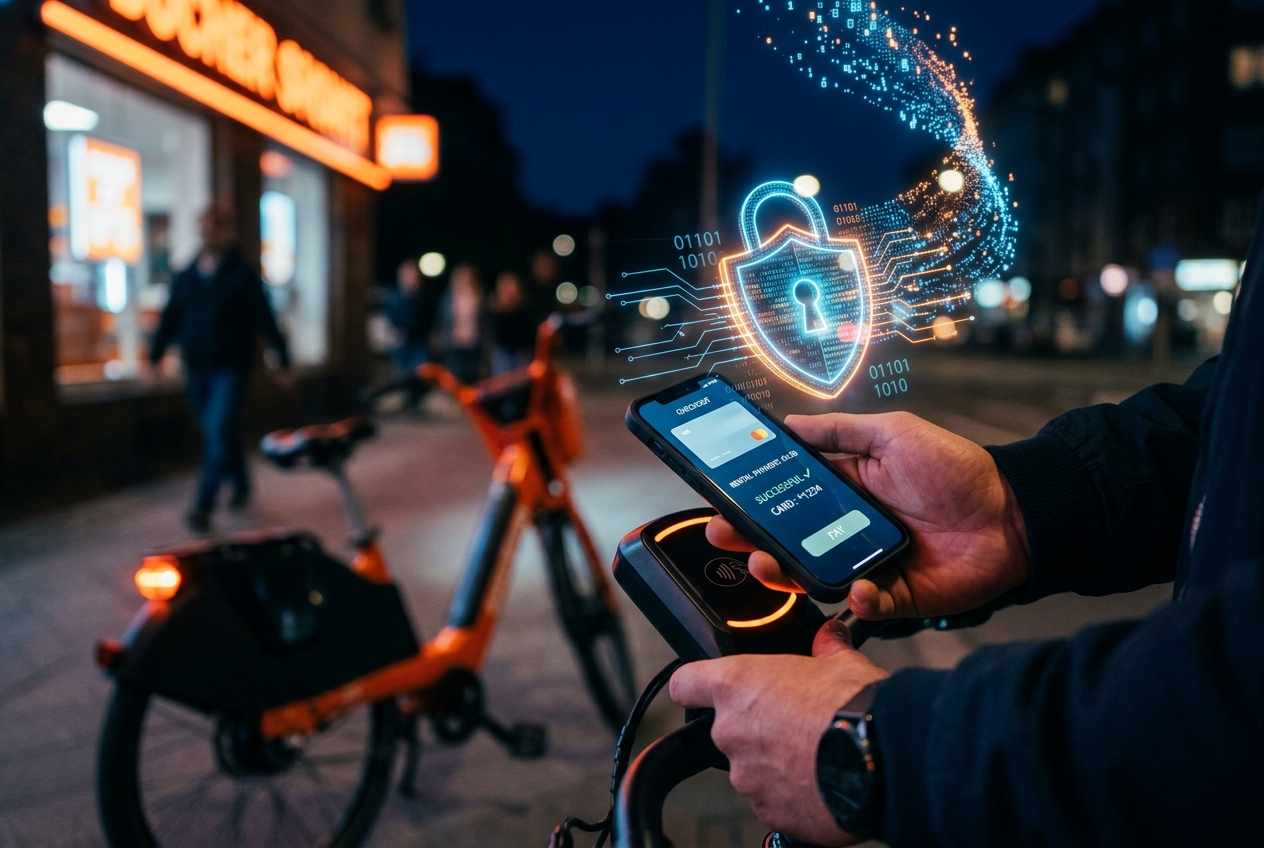
| Payments (if any) | Tokenised in Stripe: the card never touches the platform |
More on payments and security in the cybersecurity and payment gateways guide.
The employee experience: zero friction
All the control above is invisible to the user. The employee scans a QR in the car park, the WebApp opens in their language with nothing to install, they register with their corporate email and unlock the bike from the phone. Under 90 seconds the first time; under 15 after that.
Technical pre-launch checklist
- Authorised email domain(s) tested with real accounts
- Geofence drawn and validated with a test ride around the perimeter
- Service schedule defined (working hours vs 24/7) and auto-deactivation tested
- Corporate branding applied to the WebApp
- Parking points with QRs installed and scanned from 3 different phones
- DPO informed: processing register updated with the new service
- Pilot with 10–15 employees for 2 weeks before general launch
The business case for the COO
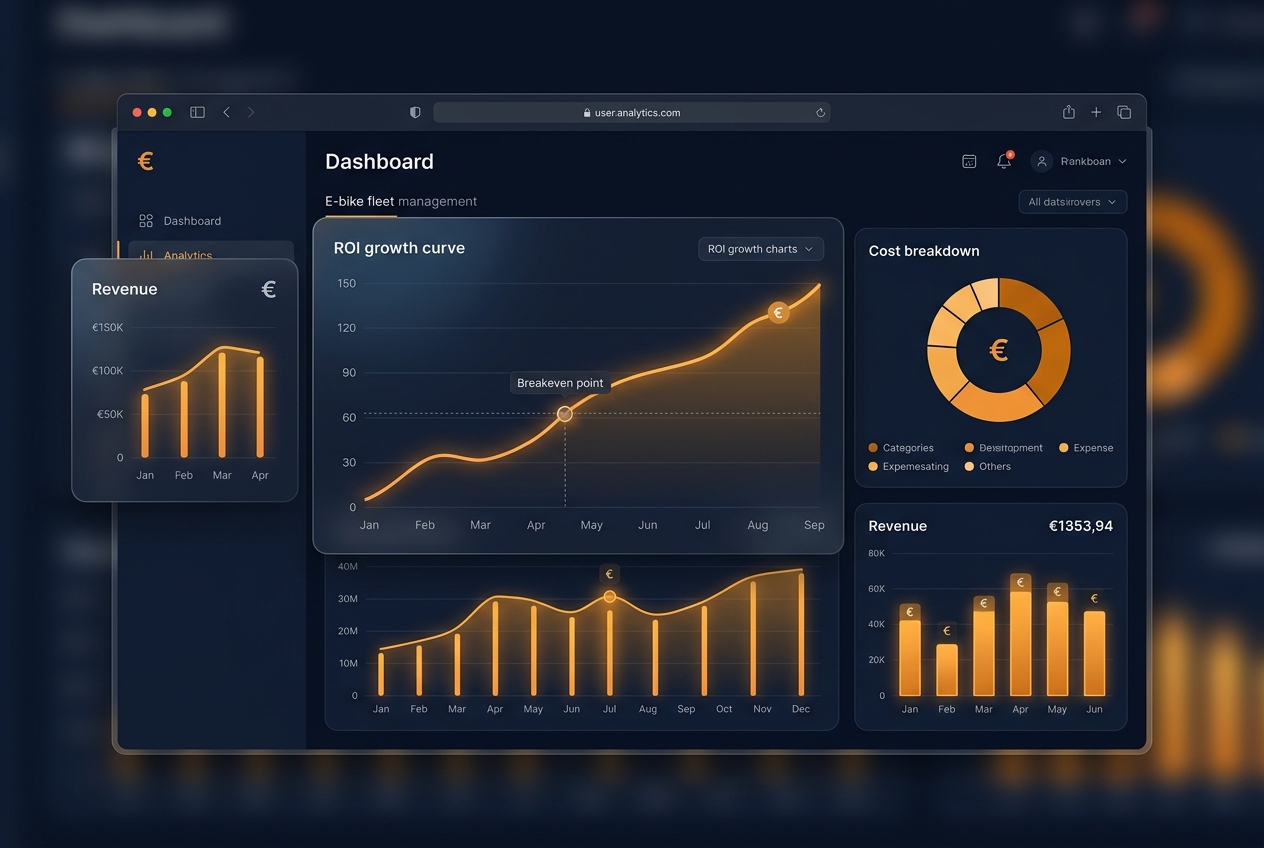
A 30 e-bike programme costs ~€2,500–3,500/month all-in (software, leasing and maintenance) — less than 4 parking spaces in Madrid or Barcelona — and generates exportable ESG data (trips, km, CO₂ avoided) for CSRD reporting. The full strategic context is in the corporate sharing guide, and the profitability numbers in the ROI analysis.
Frequently asked questions
Can people outside the company see or use the fleet?
No. With domain-restricted access, the fleet doesn't appear on any public map and registration rejects any email outside the authorised corporate domain. Onboarding and offboarding sync with staff turnover from the panel.
What happens if an employee takes a bike off campus?
The geofence detects it: the panel raises an alert with the GPS position and, depending on configuration, the system can prevent closing the rental out of zone or apply the defined charge. The bike remains locatable at all times.
What personal data is processed and on what legal basis?
Only the operating minimum: corporate email, phone and vehicle usage data. The platform acts as data processor with EU hosting, and the company retains control as data controller — aligned with GDPR and typical corporate DPO requirements.
Do employees need to install an app?
No. The whole flow (corporate email registration, unlocking, return) happens in a WebApp from the phone's browser, in the phone's language. Internal adoption is immediate because there is no install friction.
FLEET OS
Calculate your fleet's ROI with a personalised demo
Use the interactive Fleet OS calculator to estimate your monthly fee and request a demo with your operation's real numbers. Reply within 24 business hours.
Calculate my ROI with Fleet OS