Direct answer: 100% digital hotel mobility replaces the manual reception process (keys, paperwork, POS charges) with an automatic multilingual WebApp: the guest scans a QR, pays online with Apple Pay or Google Pay, unlocks the lock from their phone and returns the bike with photo and GPS verification. Reception is not involved in any step.
The problem: reception doesn't scale
Hotels offering bikes "the old way" always suffer the same pattern:
- The guest asks at reception → the receptionist finds the key, explains the rules, logs it in a spreadsheet.
- 10–15 minutes per rental, at the worst possible time (check-in/check-out).
- Cash payments or room charges that get lost.
- No evidence of the bike's condition → damage disputes.
- Foreign tourists: language barriers in every explanation.
Result: the amenity that should boost review scores ends up burning out the front desk.
The solution: the 100% digital flow, step by step
1. QR in the lobby or on the bike
The guest scans and the WebApp opens in their phone's language — German, French, Italian, Dutch… unlimited languages, nothing to download. The language barrier disappears.
2. Booking and online payment
They choose a bike (mechanical or electric), see pricing and conditions, digitally accept terms and insurance, and pay by card, Apple Pay or Google Pay via Stripe. The card is tokenised for later charges (extra hours, damage).
3. Unlocking from the phone
The smart lock opens from the browser, with step-by-step tutorial videos. No physical keys, no staff involved.
4. Return with photo and GPS verification
This is the operational magic that removes 95% of disputes:
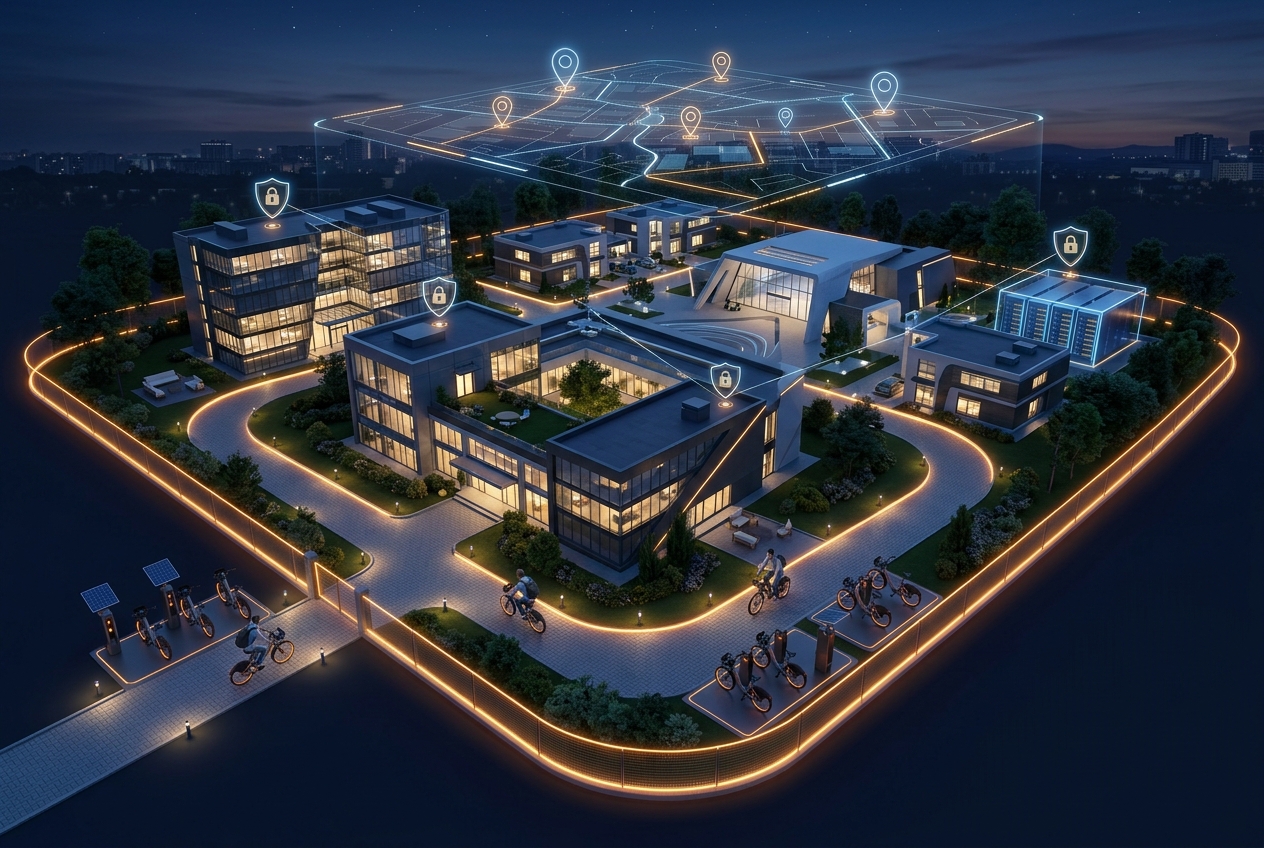
- The system verifies via GPS that the bike is inside the hotel's return zone.
- It requires photos of the bike as evidence of condition and location.
- It confirms the actual lock closure before ending the rental.
If something doesn't add up, the operator has date-stamped evidence and the charge is applied automatically.
What the hotel sees: the management panel
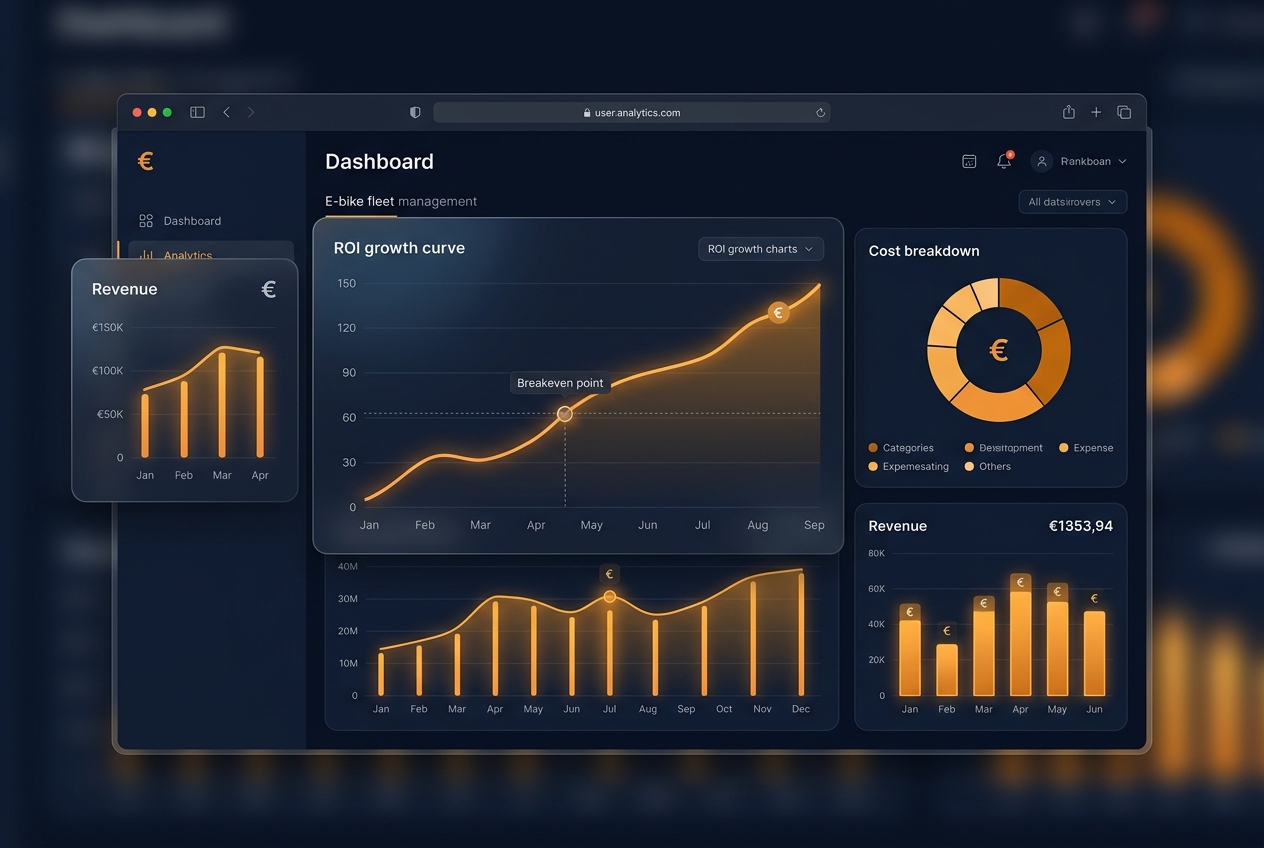
While the guest self-serves, reception and operations get fleet management software with:
- Real-time fleet view: which bikes are free, in use or in maintenance.
- Manual rental creation for guests who prefer personal service: email, phone, payment link sent.
- Multi-property: chains with several hotels manage everything from one login.
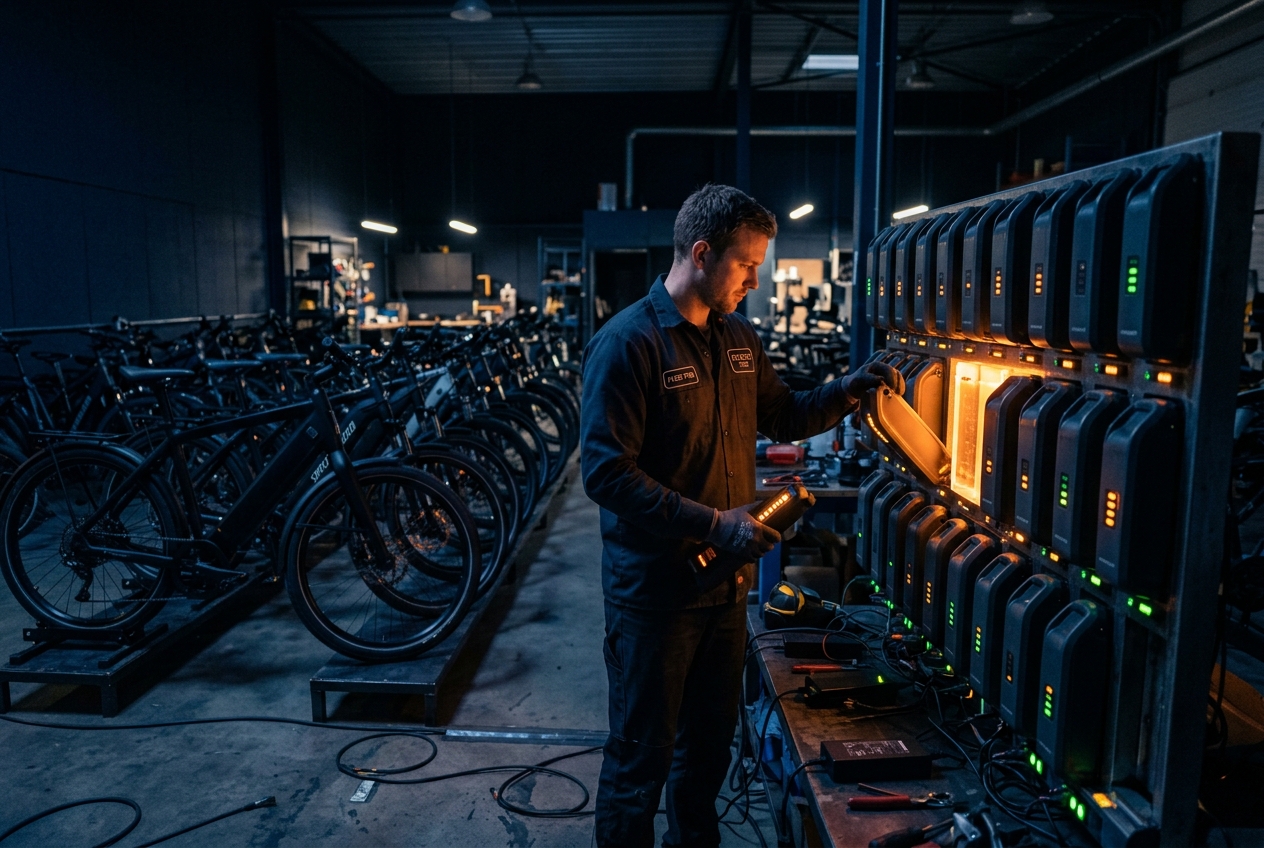
- Nightly battery alerts for e-bikes: maintenance happens only when needed.
The impact in numbers
Hotels running this digital model report on average:
- 0 minutes of reception time per rental (previously 10–15).
- +30% completed rentals vs. the manual process (friction kills sales).
- Reviews mentioning the bike as a differentiator — requested automatically by the WebApp at the end of the experience.
Conclusion
In 2026, managing hotel bikes with keys and paper is like managing room bookings by fax. A digital flow with a multilingual WebApp, Stripe and GPS verification turns the amenity into a revenue channel with zero operational load. Discover Fleet OS, the platform already used by boutique hotels and chains in Spain, or continue with the complete guide to launching a shared bike operation.
Frequently asked questions
How does a guest rent a bike without going through reception?
They scan a QR in the lobby or on the bike itself, the WebApp opens in their phone's language, they pay with Apple Pay or Google Pay and the smart lock opens from the phone. The whole process takes under 90 seconds and requires no app download.
What if the guest returns the bike damaged or in the wrong place?
At the end, the system requires photos of the bike and verifies via GPS that it is inside the return zone. If there is damage or it's out of zone, the operator has time-stamped photographic evidence and can apply automatic charges to the saved card.
Can reception create rentals manually for a guest?
Yes. The management panel lets staff create a booking with the guest's email and phone, apply the hotel's promo codes and send the payment link — all in under a minute and with no physical keys.
Does it work for chains with several hotels?
Yes. Multi-property support lets a brand manage all its locations from a single login, with separate stats, fleet and pricing per hotel.
FLEET OS
Ready to see Fleet OS in action?
Request a demo and we'll show you the platform running with your brand and your fleet. Reply within 24 business hours.
Request a Fleet OS demo